QuataPay Merchant
Get paid at the counter, online and on WhatsApp.
Print a QR for the counter, paste a payment link in WhatsApp, or wire our API into your checkout. Withdraw to your bank, credit union or MFI within 3 working days; MoMo payouts are coming soon.
- Fees set per merchant account
- Daily / weekly / monthly payouts
- Refunds in one click
- API + webhooks + sandbox
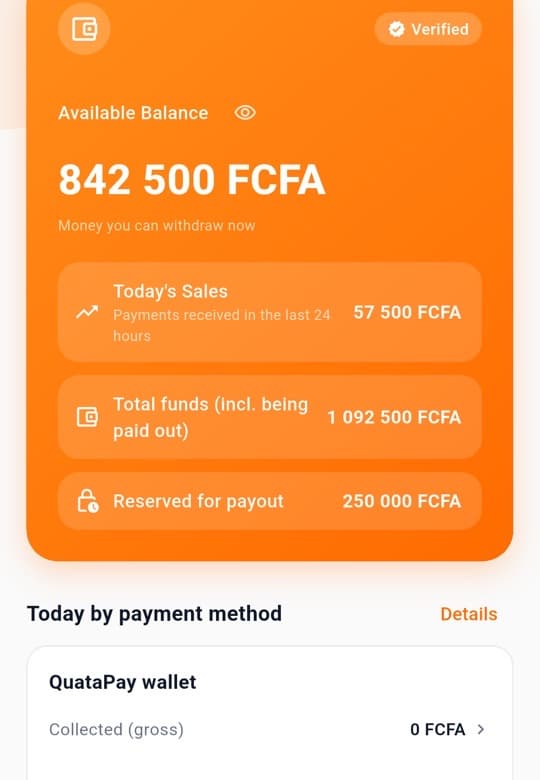
Verified businessID and documents checked by QuataPay
- Per accountProcessing feeShown on every settlement
- KYCBefore you go liveReviewed by QuataPay
- 4Ways to acceptQR · link · API · checkout
- 3 daysBank withdrawalWithin 3 working days
A sale at the counter, in three screens.
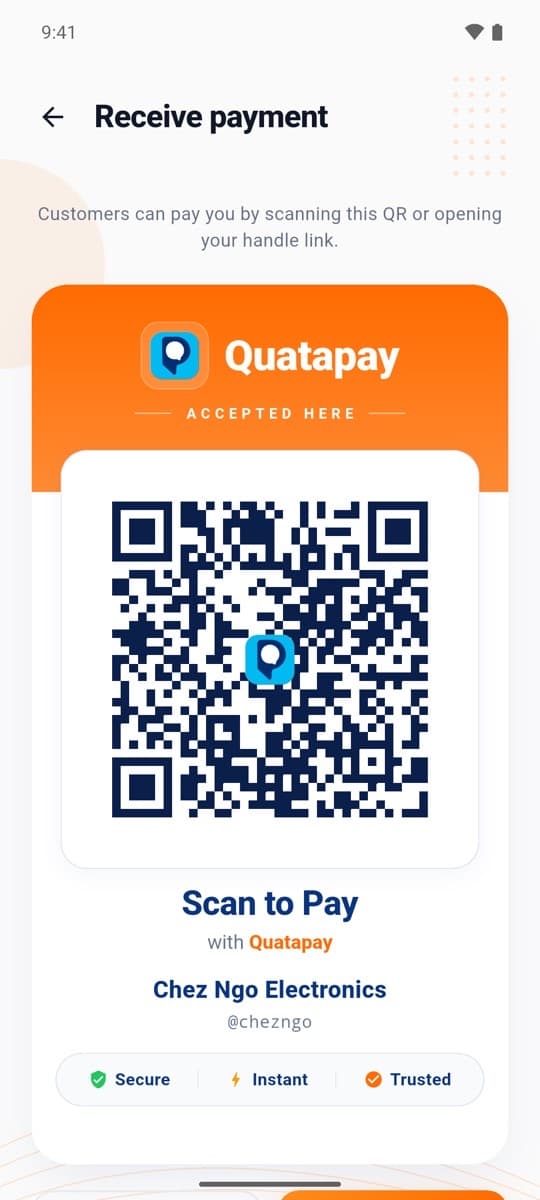
1You
Show your QR
One QR for the counter, or a one-off QR with the amount already typed.
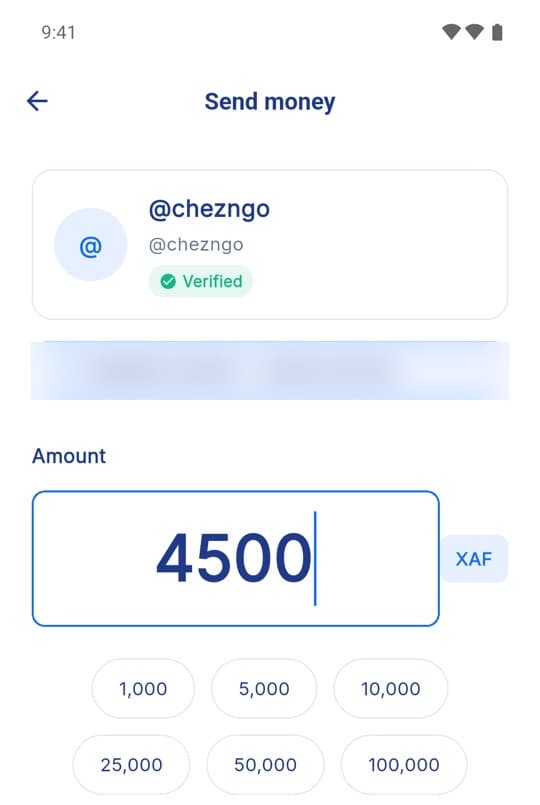
2Your customer
They scan and pay
They check your shop name and the amount, then confirm with their PIN.
3You
Money is in
The payment lands in your merchant wallet with a reference you can look up.
Four ways to accept
Whatever your checkout looks like, we fit it.
A street stall, an online store, a WhatsApp shop, a custom app — same backend, four entry points.
QR at the counter
Print your merchant QR once. Customers scan and type the amount. No POS terminal, no rental.
Payment links
Create a reusable link or one-time invoice in two taps. Send via WhatsApp, SMS, or email.
REST API
Drop our SDK in. Three endpoints (create intent, redirect, listen for webhook) and you're charging customers.
Hosted checkout
Don't want to host the payment page? Redirect to ours — we collect, confirm, and hand the customer back.
Everything a shop runs on.
Payment links
Create a link for any amount and send it on WhatsApp. The customer pays from their phone.
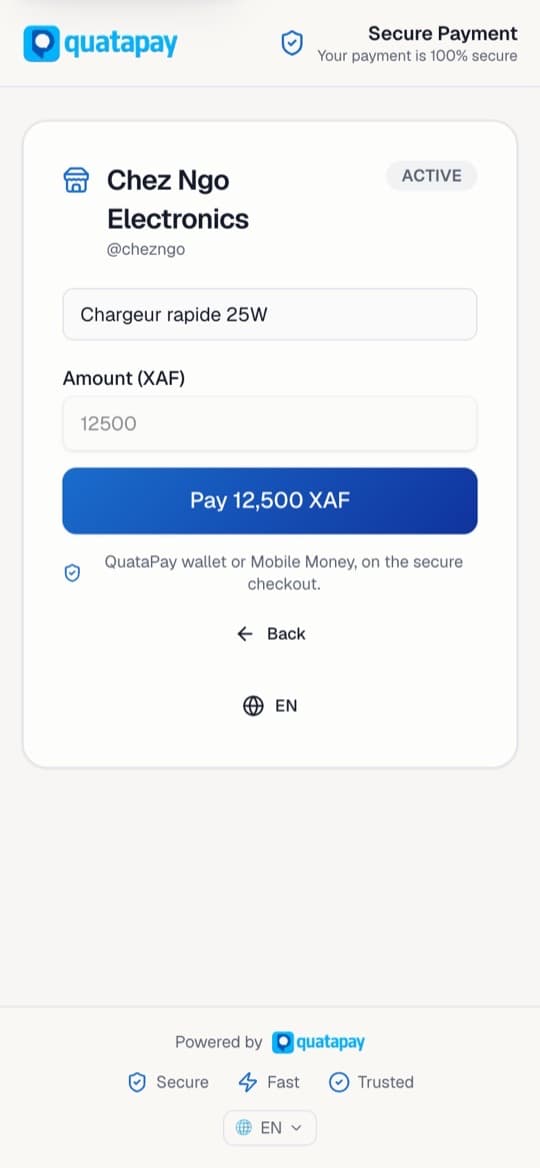
Invoices
Send an invoice on WhatsApp. Your customer pays from a private link.
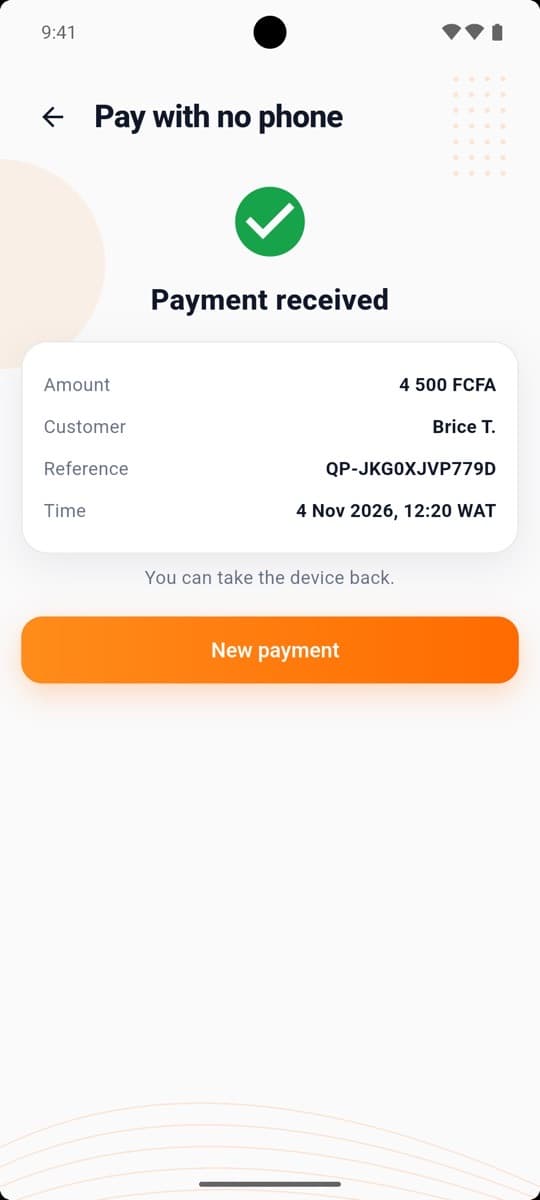
No phone? No problem.
A customer without a phone pays at your till with a code and their own PIN, from their QuataPay balance.
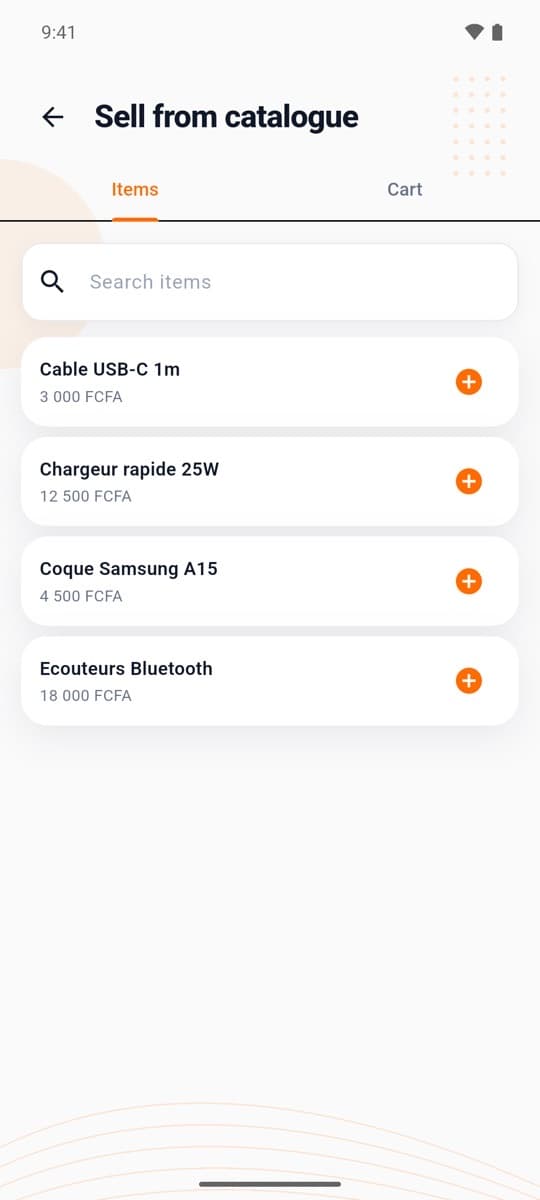
Catalogue sales
Add items, build a cart, record the sale.
Your stock
See what your shelf is worth and every item in and out.
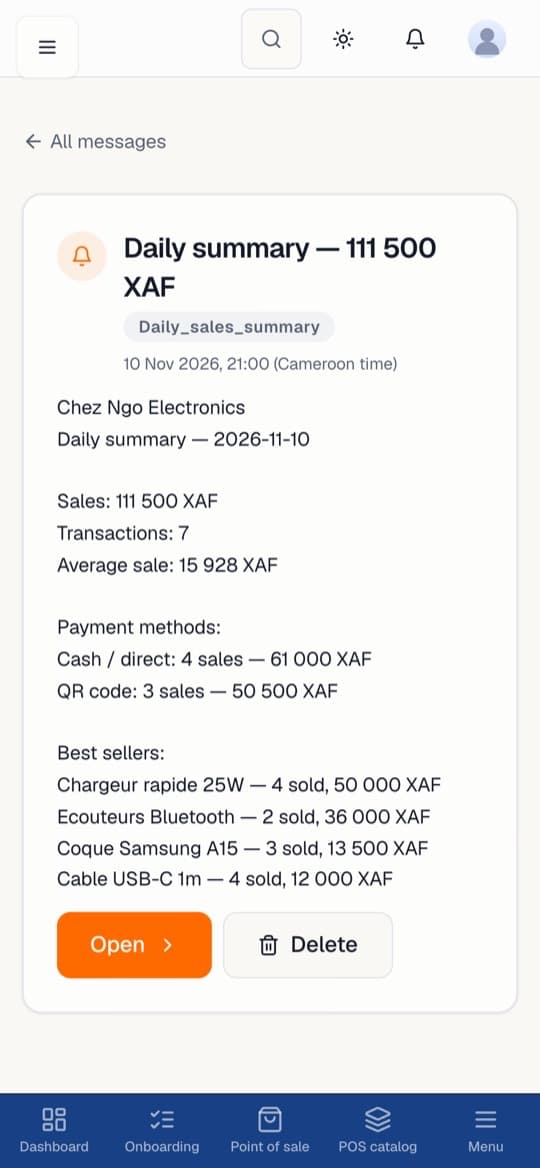
Daily summary
Every evening: what you sold, what came in and what went out, in the merchant app.
Operations
Run the business, not the payment system.
Refunds, settlements and exports from the merchant panel.
Settlements
Withdraw to your bank, credit union or MFI within 3 working days. Payouts to MoMo and Orange Money are coming soon.
One-click refunds
Full or partial refunds from any transaction. We push money back through the same rail it came in on.
Exports
Export any date range as CSV.
Risk checks
Payments go through QuataPay's fraud and risk checks before they settle.
Webhooks
Subscribe to payment events. HMAC-SHA256 signed. Failed deliveries are retried on a backoff schedule, up to 5 attempts.
Dashboard
Payments by channel, refunds and settlements in the merchant panel.
Fees shown before you commit.
Merchant transaction fees are configured according to the merchant's account and applicable service terms. You see the fee on every settlement, never as a surprise.
- Per settlementPer account
Merchant transaction fees are configured according to the merchant's account and applicable service terms. Customer payments are free; you only pay when money lands in your wallet.
- Monthly feeNone listed
The fee schedule lists no setup or monthly charge.
- RefundsPartial or full
Refund a payment from the merchant panel or the API.
- Withdraw to bank, credit union or MFIWithin 3 working days
Onboard
Live in four steps
The fast path. Slow path is if you're a bank — we'll talk.
Create your merchant account
Email + business name. We KYC your founder's ID and the business registration.
Pick how you accept
QR for the counter, payment links for chat, API for your app — or all three.
Set your settlement
Choose your payout cadence. Payouts to MoMo, Orange Money or your bank are coming soon.
Go live
Once QuataPay approves your KYC, your QR is ready to print, your link is ready to share and your API keys are ready to call.
Developers
Three endpoints to a working checkout.
Create a payment intent, redirect to our hosted page, listen for the webhook. That's it. No payment form to build.
curl -X POST https://api.quatapay.com/api/v1/gateway/sandbox/payments \
  -H "Authorization: Bearer qpay_test_…" \
  -H "Idempotency-Key: $(uuidgen)" \
  -H "Content-Type: application/json" \
  -d '{
    "amount": 5000,
    "currency": "XAF",
    "customer_reference": "order_12345",
    "return_url": "https://shop.example.com/pay/return"
  }'
Questions
Common merchant questions
How long until I can accept payments?
Can I do refunds?
How do you settle to my account?
Do you support multi-currency?
What about chargebacks?
Is there a sandbox?
 QuataPay Merchant
Run your business from the QuataPay Merchant app
Accept QR payments, track settlements, and manage refunds — all from your phone.