
QuataPay Agent
Turn your counter into a QuataPay agent.
Process cash-in and cash-out for QuataPay users from your own counter — bill pay, mobile top-up and remittance are coming soon. Agent earnings vary according to transaction volume, services provided and customer demand.
- A share of the platform fee you process
- Payouts to MoMo / bank coming soon
- Cash-in and cash-out from one counter
- No POS hardware required
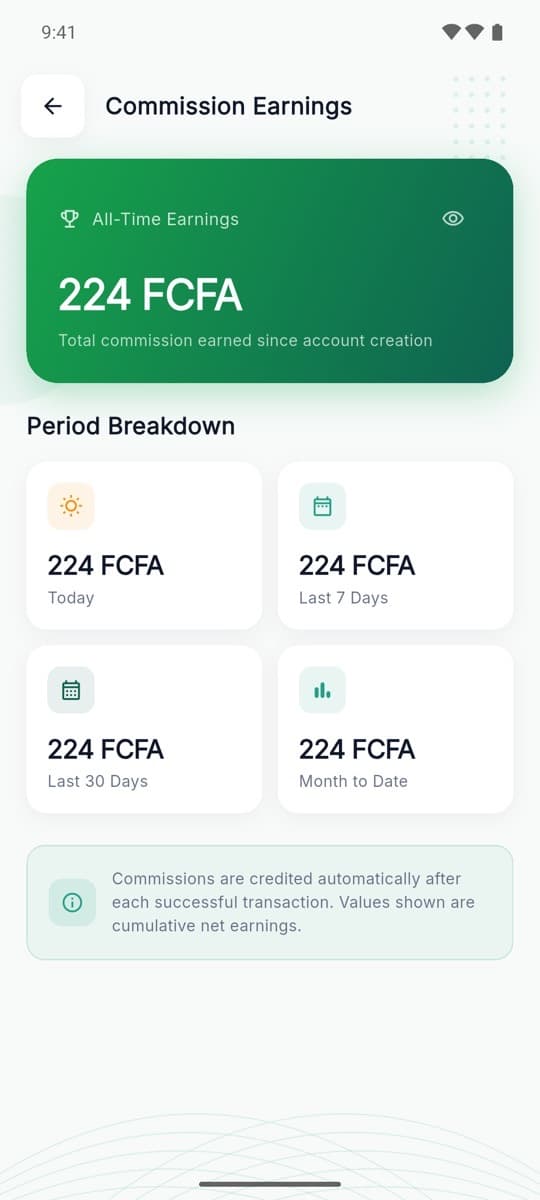
Commission shown livein the QuataPay Agent app
- SoonPayoutsMoMo / bank coming soon
- KYCBefore you startReviewed by QuataPay
- 0Hardware costYour phone is the POS
- 2Live servicesCash-in · cash-out
Your counter, in three screens.
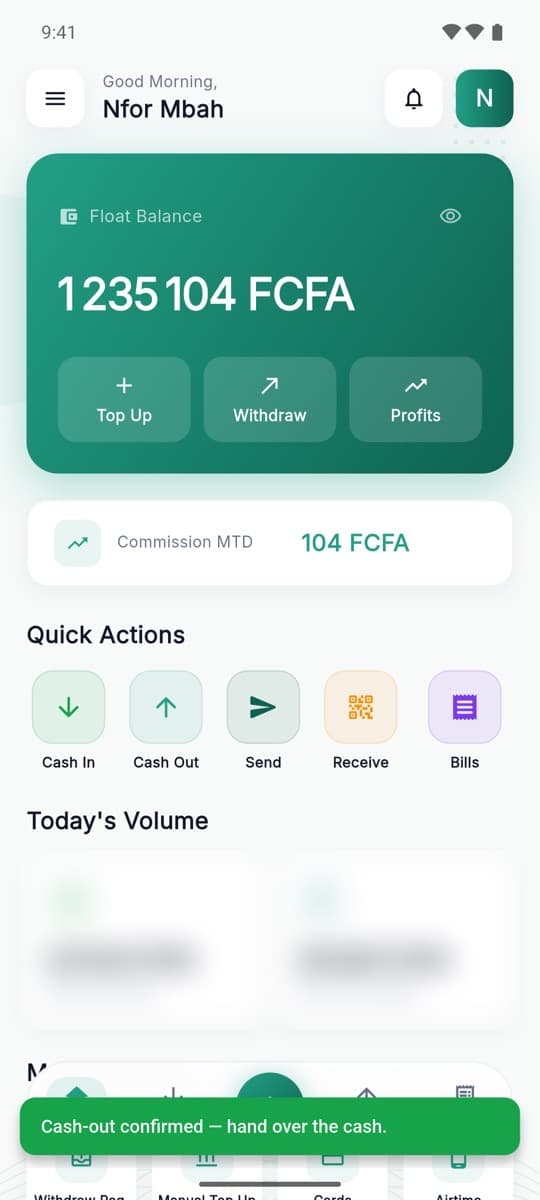
1Cash-in
Take cash, credit the wallet
Customers hand you physical cash; you credit their wallet. Your float grows by the same amount.
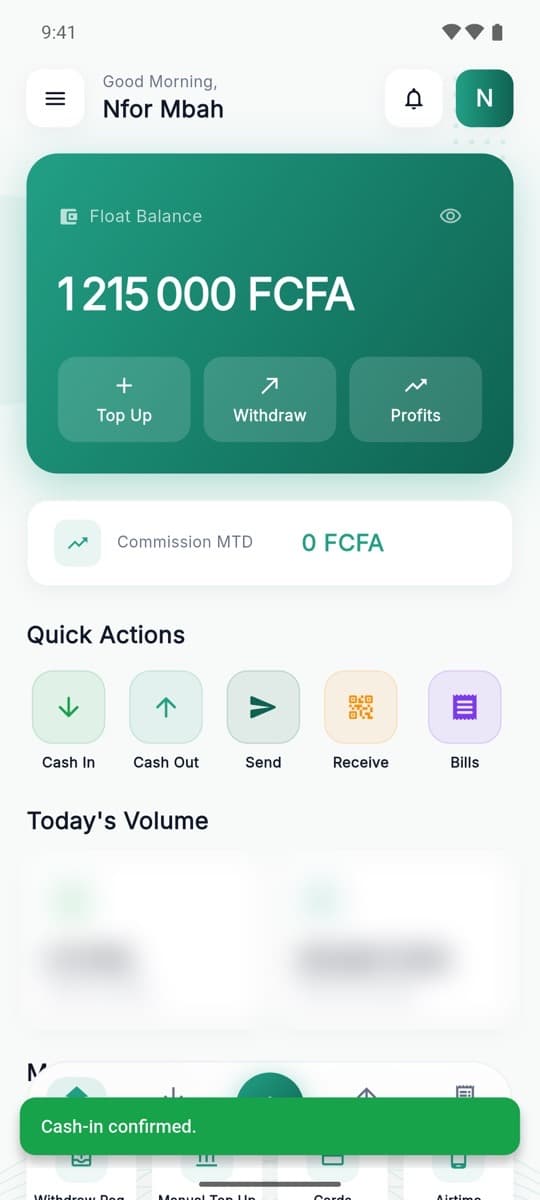
2Cash-out
They approve, you hand over cash
Customer requests; they approve in their app; you hand them physical cash. Their wallet debits, your float credits.
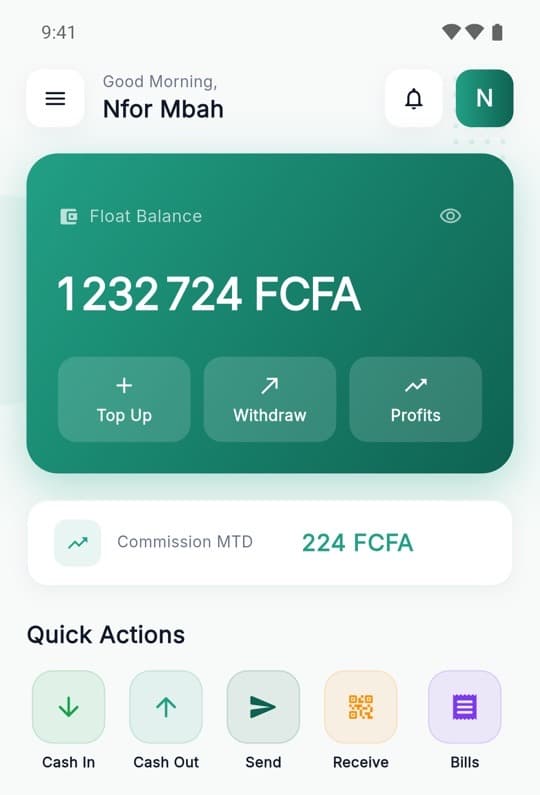
3Your float
Float and commission, live
Commission ledger, per-service breakdowns and float balance.
Services
Revenue lines that stack, one counter.
Customers walk in for one service and walk out having used another. Every service is a commission line — they stack.
Cash-in
Customers hand you physical cash; you credit their wallet. Your float grows by the same amount.
Cash-out
Customer requests; they approve in their app; you hand them physical cash. Their wallet debits, your float credits.
Bill pay Coming soon
ENEO, CDE, internet, school fees — pay any biller on behalf of a walk-in customer who'd rather use cash than wallet.
Mobile top-up Coming soon
Airtime + data top-ups for any MTN / Orange / Camtel number. One tap from your agent app.
Remittance Coming soon
Pay out incoming international transfers in cash. We handle the FX, you handle the over-the-counter experience.
Customer service
Reset PINs, recover handles, verify identity. Each support touch builds your retention.
Earnings
How agent commission works
Agent commission is a share of the platform fee on the transactions you process. Agent earnings vary according to transaction volume, services provided and customer demand.
The toolkit
Everything you need on day one
Apply in the app and, once approved, use the agent dashboard, your agent QR and the float tools.
Agent dashboard
Commission ledger, per-service breakdowns and float balance.
Float management
Top up float through a manual top-up or a float request, reviewed by QuataPay. Commission payouts to MoMo or bank are coming soon.
Branded QR + signage
Your agent QR in the app, to show customers at your counter.
Apply
Four steps to your first commission
Apply
Fill out the agent application in your QuataPay app. Individual, business, or institution — we have a form for each.
KYC + interview
Submit your identity documents (and business registration, for a business) for QuataPay to review.
Activate float
Fund your float through a manual top-up or a float request, reviewed by QuataPay. This is your working capital for cash-in and cash-out.
Start earning
Customers come with their handle or QR; you serve them; you earn a share of the platform fee on the transactions you assist.
Questions
Common agent questions
How long does approval take?
How do I get float?
Can I close my agency?
Is there a fee to apply?
Can I have multiple counters?
 QuataPay Agent
Run your counter from the QuataPay Agent app
Cash-in, cash-out, float health, and your commission ledger — all from your phone.